
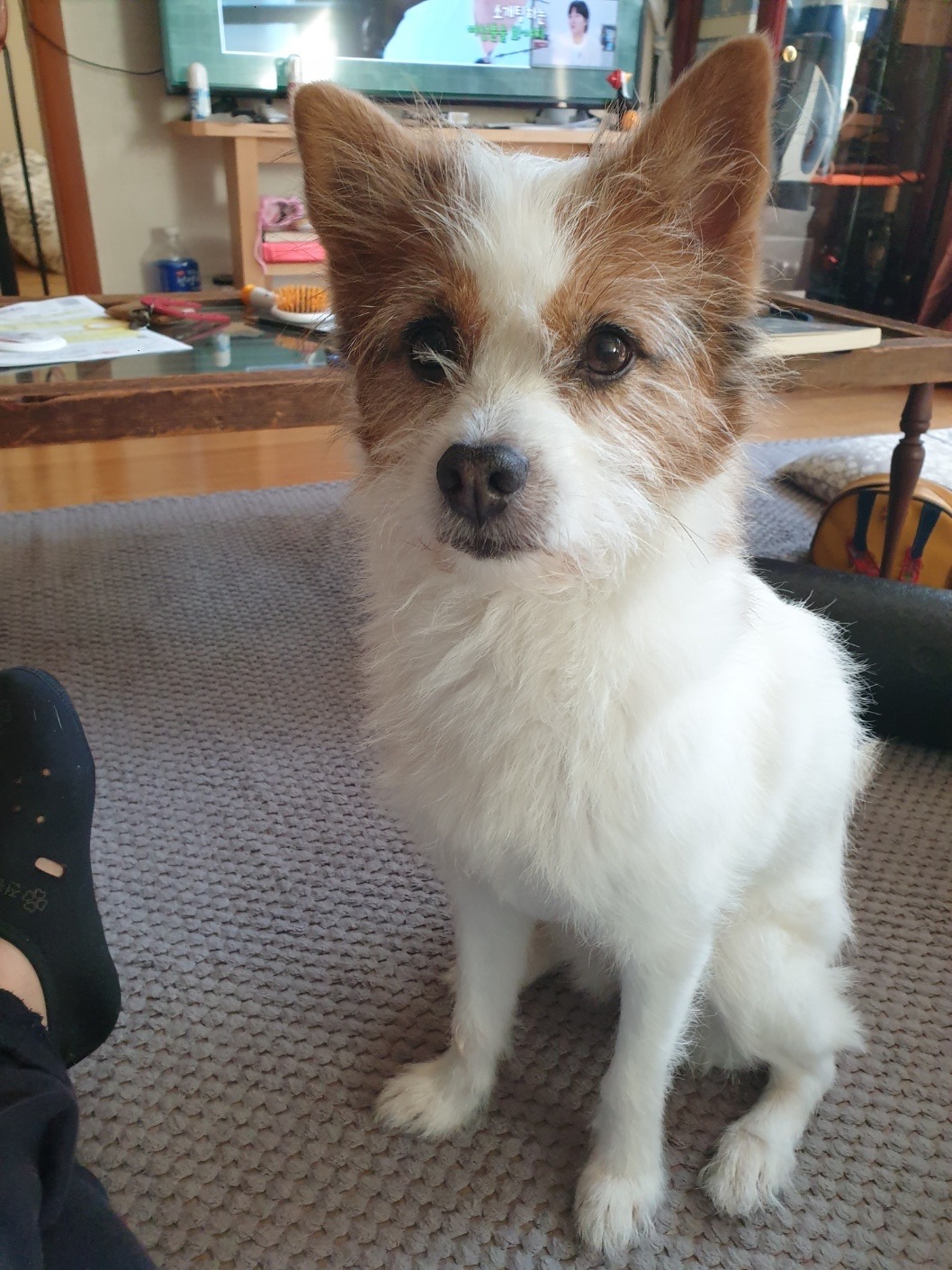
Last time, we got Jindol into the app. This time, the goal was bigger — not just getting him to appear, but getting him to actually look like himself.
We started with photos. The team went through Jindol's original pictures and picked the clearest shots we had: front, side, back. Building a convincing 3D model means you can't rely on a single angle — you need the full picture.
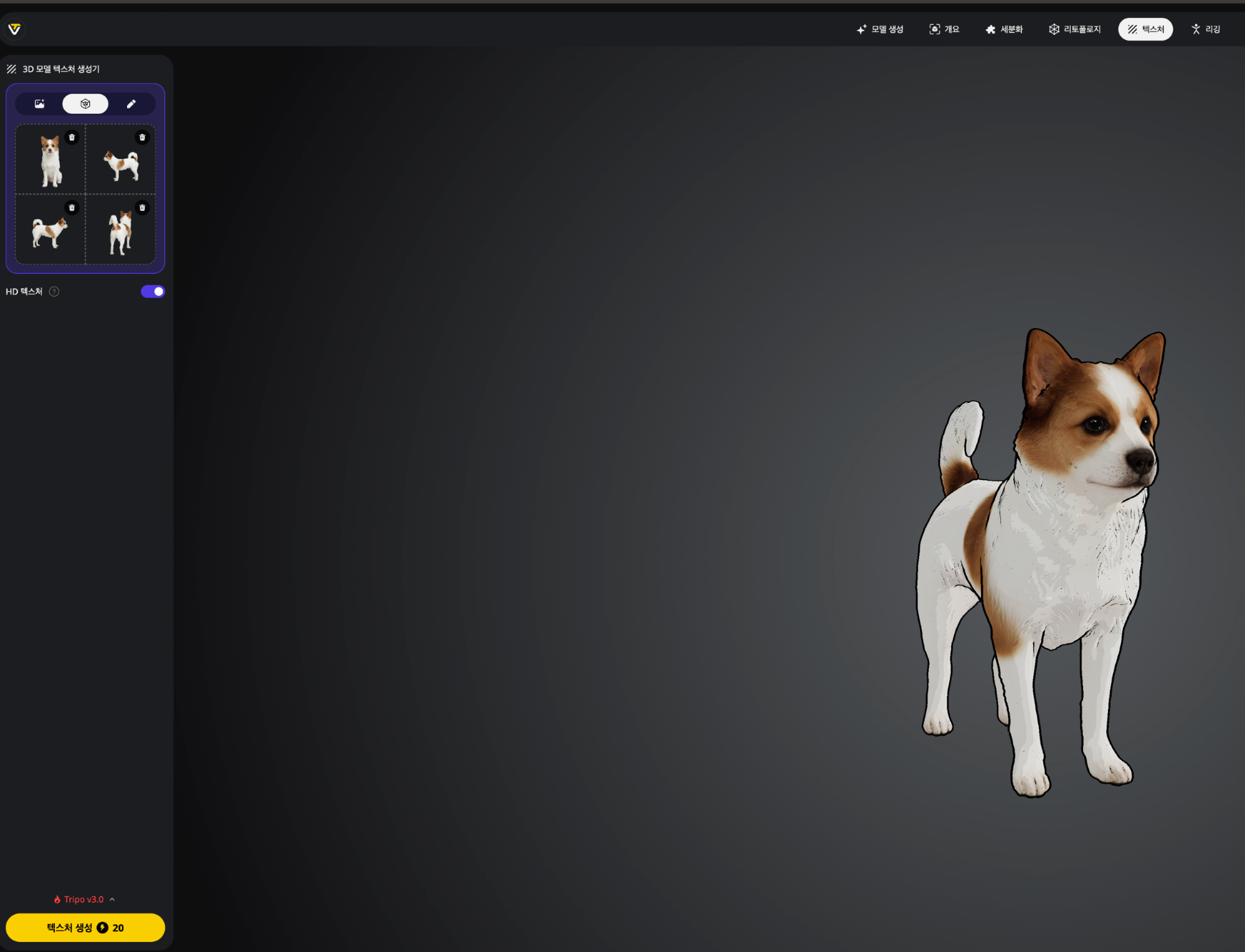
From those photos, we used AI to reconstruct multi-angle reference images, filling in every view needed for modeling.
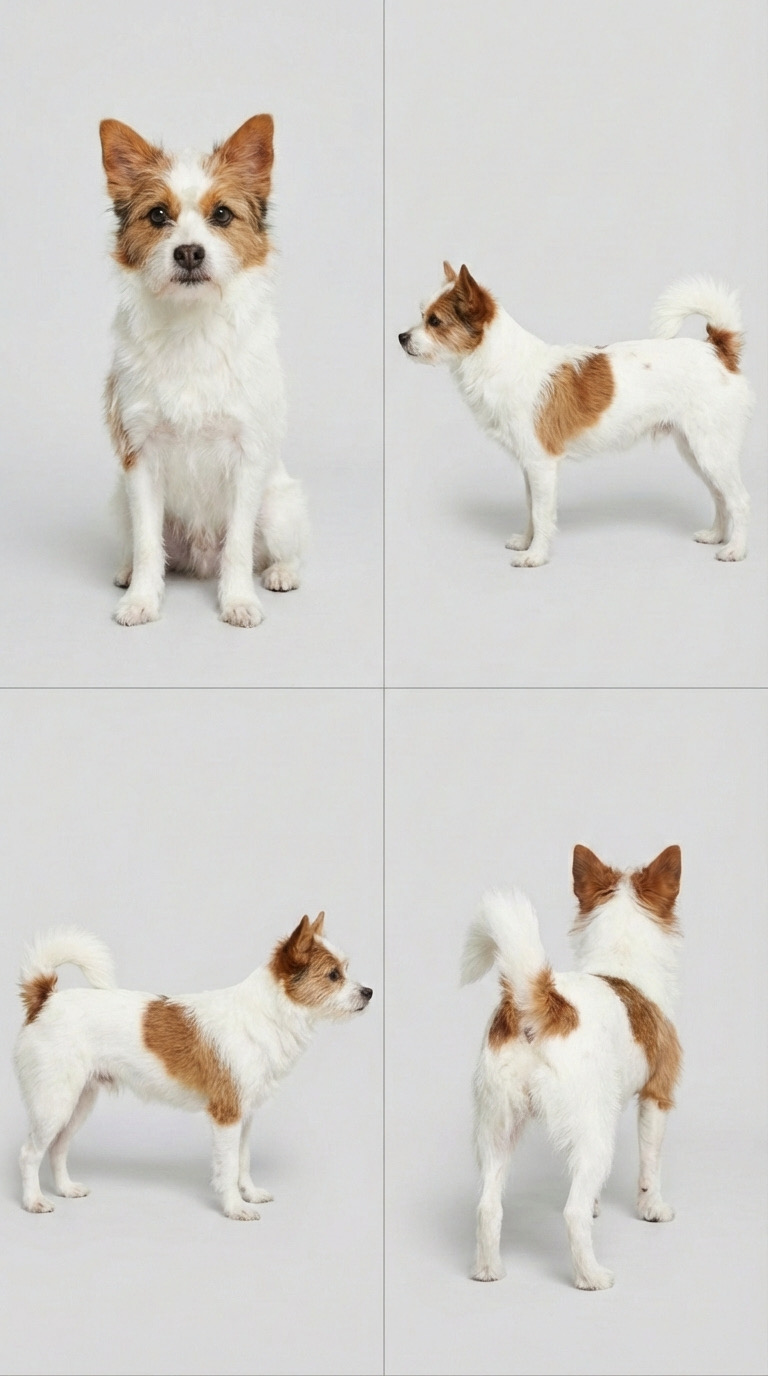
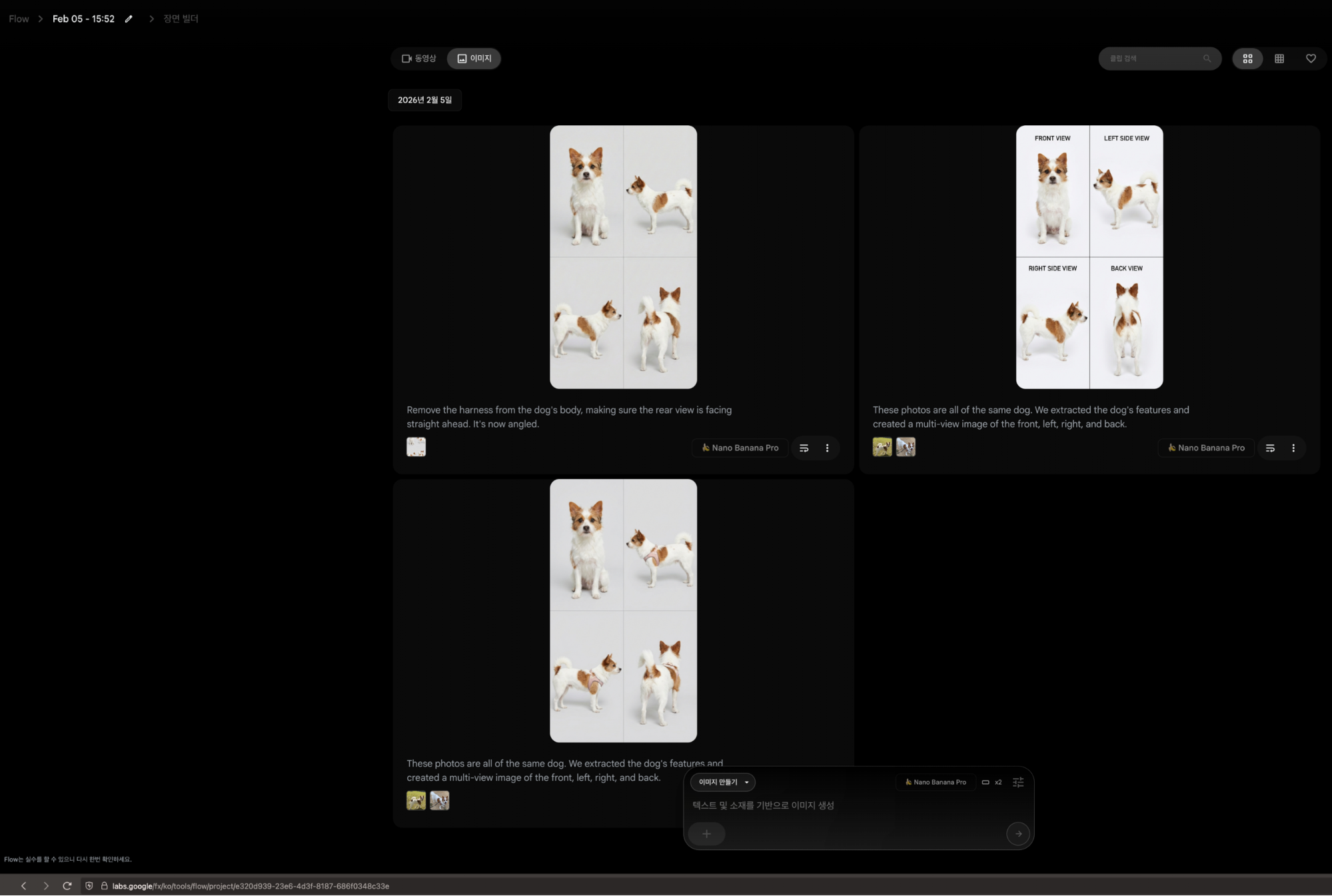
With that foundation in place, we built the 3D form, then layered fur color and texture on top.
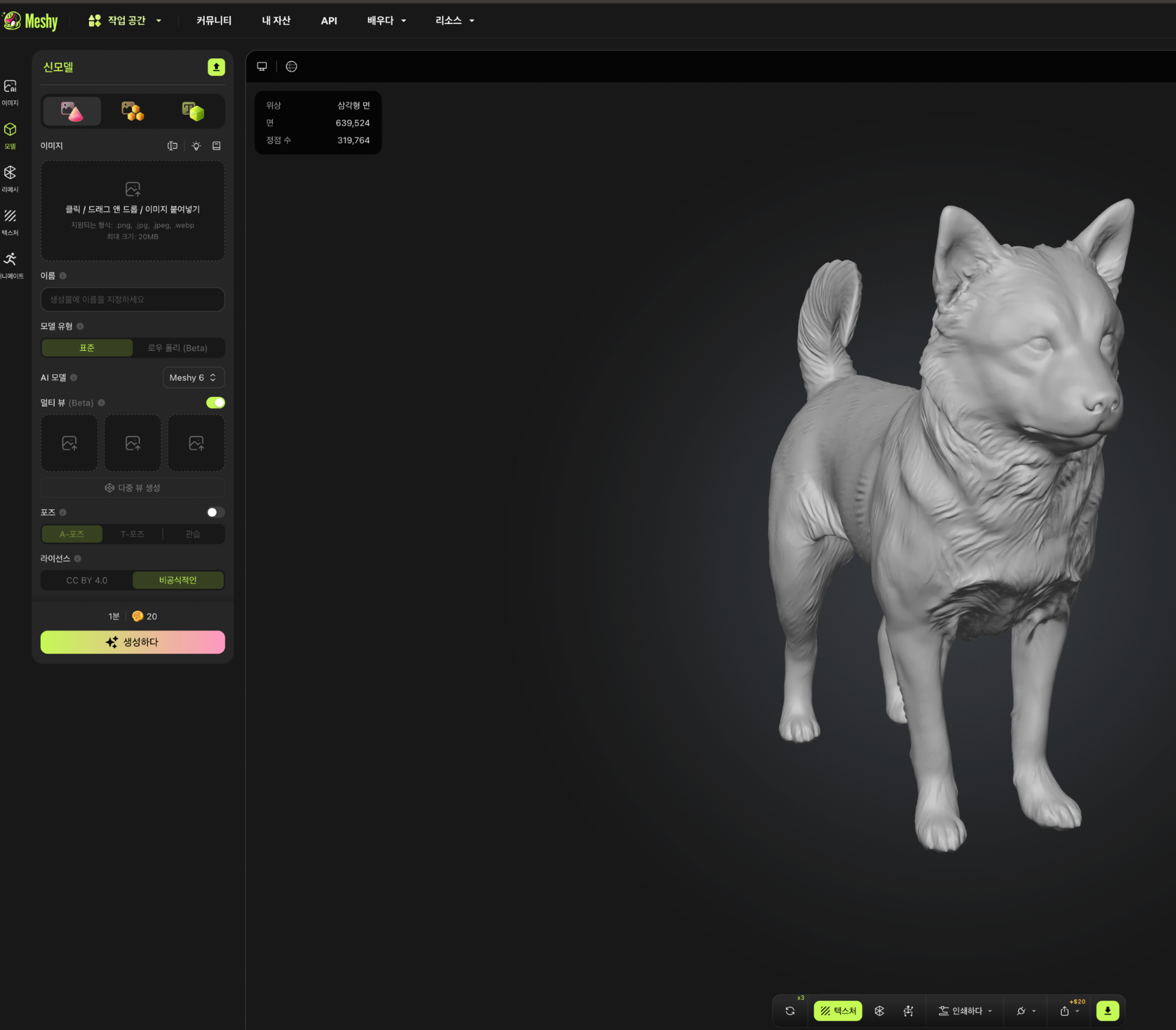
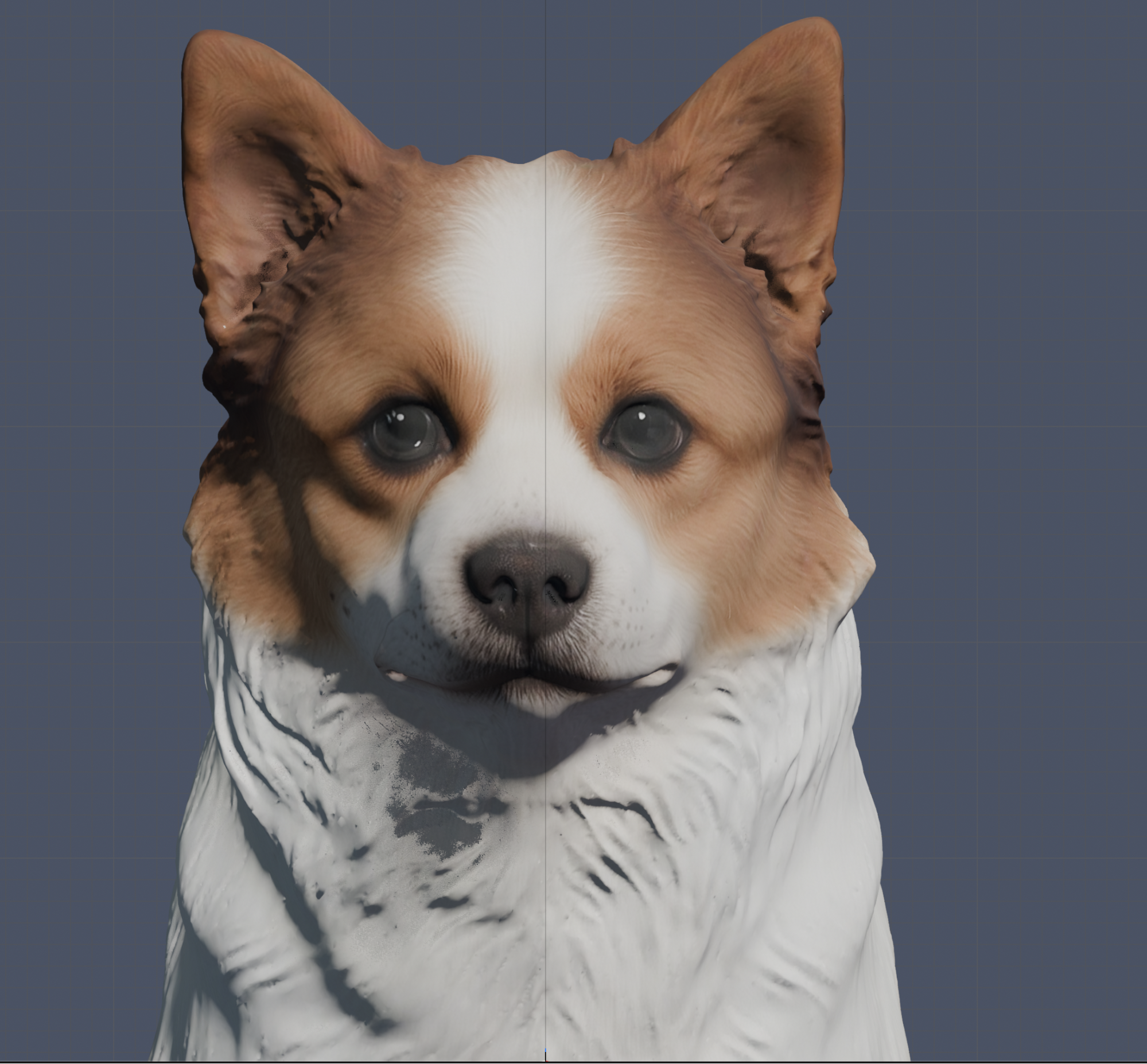
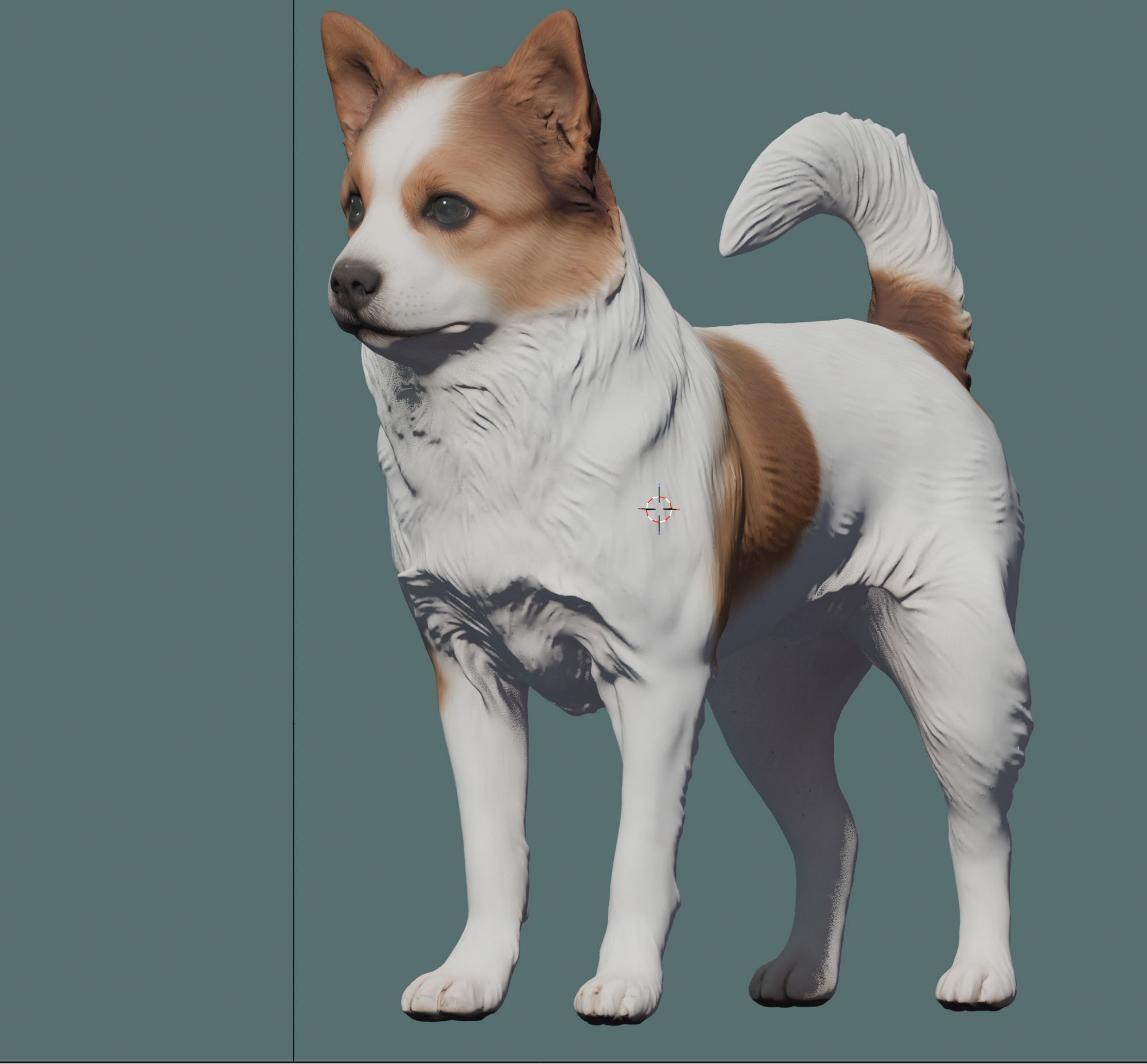
The full pipeline looked something like this: select source photos → generate multi-angle references → build the 3D shape → apply color and texture → refine the overall look to fit the app.
The reason for all these steps is simple. Converting a real photo directly into 3D tends to produce results that look off — stiff, or just not quite right. This intermediate process lets us preserve what makes each pet look like themselves, while getting the material into a form that actually works for 3D modeling.
We also found that the tools best suited for building structure aren't always the same ones that handle fur and surface texture. So instead of sticking to one pipeline, the team has been combining tools — finding what works best at each stage.
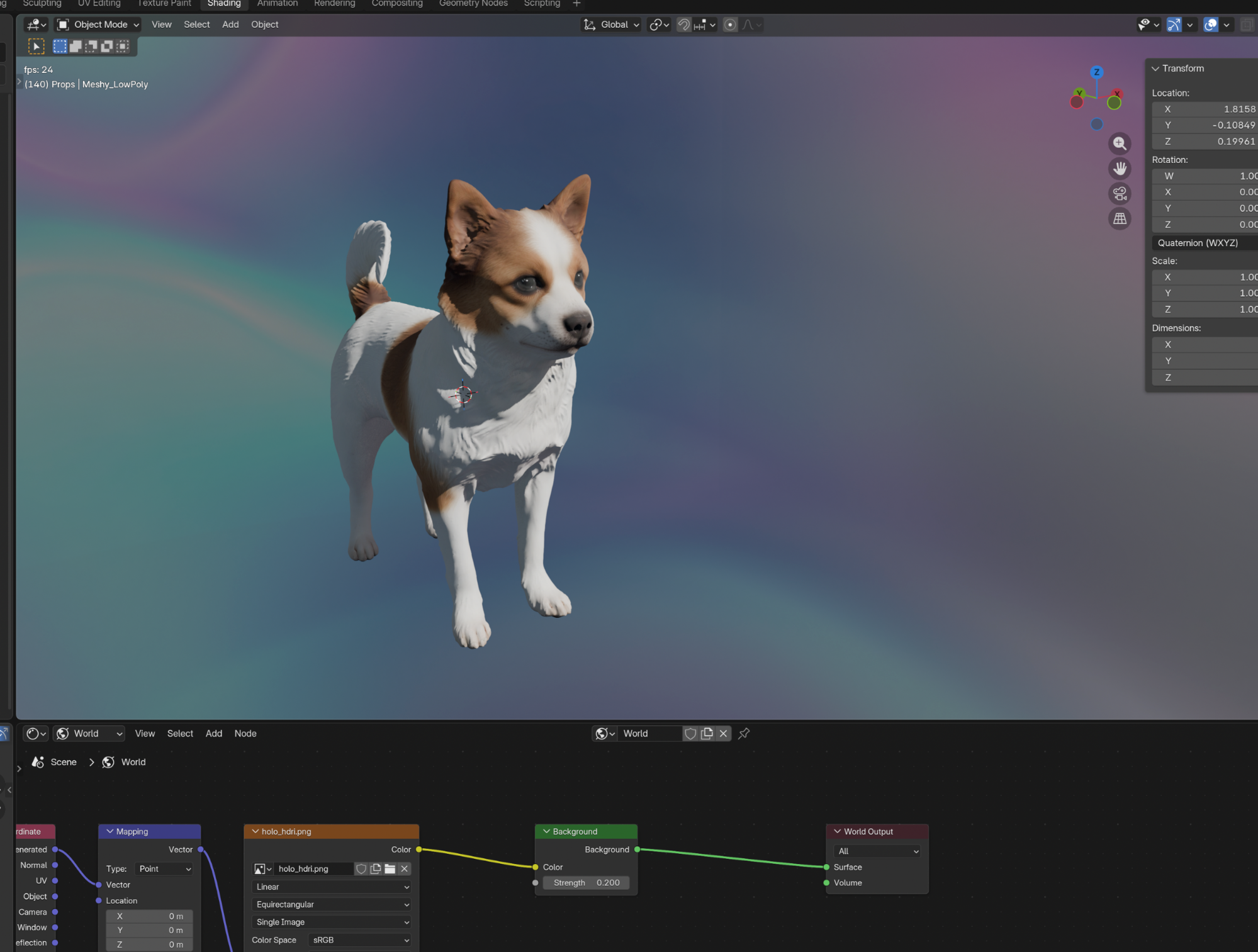
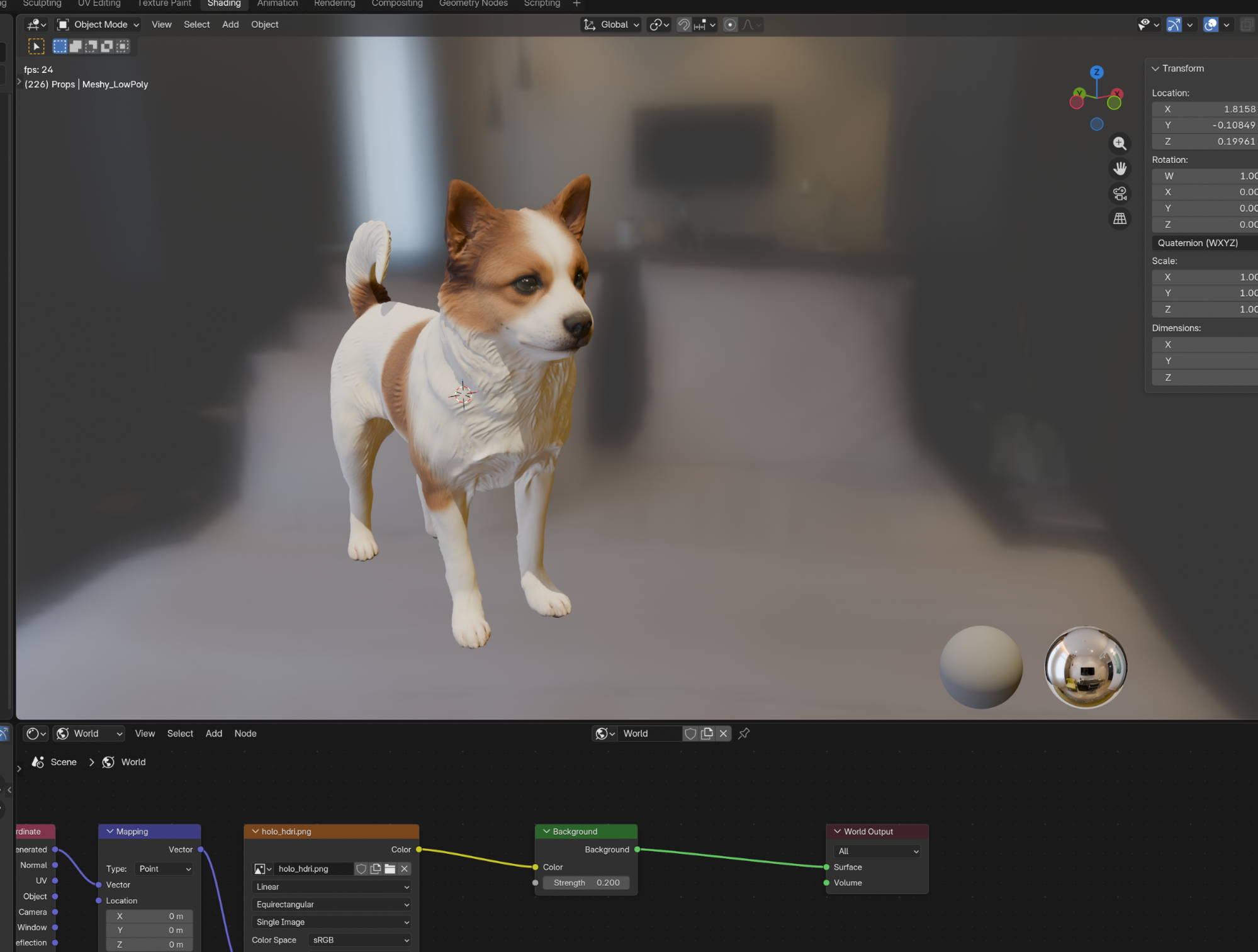
The biggest win today: we have a workflow that actually makes sense. Not finished, but stable enough that we can now reproduce Jindol's shape and coloring with some consistency.
From here, we focus on bringing Memoriq's warmth into the model. Not so realistic it feels uncanny. Not so simplified that it stops looking like him.
When a pet parent sees their companion in the app for the first time, we want that immediate, quiet recognition —
"That's them."
That's what we're building toward. One step at a time.